
Language Support in Viewdora Galleries
Set the language for each Viewdora gallery and give Spanish-speaking clients a clear, seamless gallery experience in their language.
Photo delivery should not require a client to guess what a button means. They should be able to open their gallery, find their photographs, and understand what to do next.
We’re introducing language support. Viewdora now supports Spanish, giving photographers more control over the language used throughout the delivery process. You can choose the language of an individual client gallery and select the language you use inside the Viewdora Studio.
Client galleries can now be set to Spanish
Gallery language support lets you set the display language for an individual client gallery. When Spanish is selected, the client-facing gallery interface appears in Spanish. This includes the navigation and actions clients use to view photographs, mark favorites, and access the files you release.
The client does not need to find a language menu or change a setting. You choose the appropriate language before sharing the gallery, and they see that language when they open it.
Your Studio language and gallery language are separate
Viewdora gives you control over language in two places.
The Studio language determines the language you see while creating and managing galleries. The gallery language determines what the client sees when viewing a particular gallery.
These settings are separate, so you can use the Viewdora Studio in your preferred language while choosing the right gallery language for each client. A Spanish-speaking client can receive a Spanish gallery without changing the language used for your other galleries.
How to set a client gallery to Spanish
The workflow stays simple:
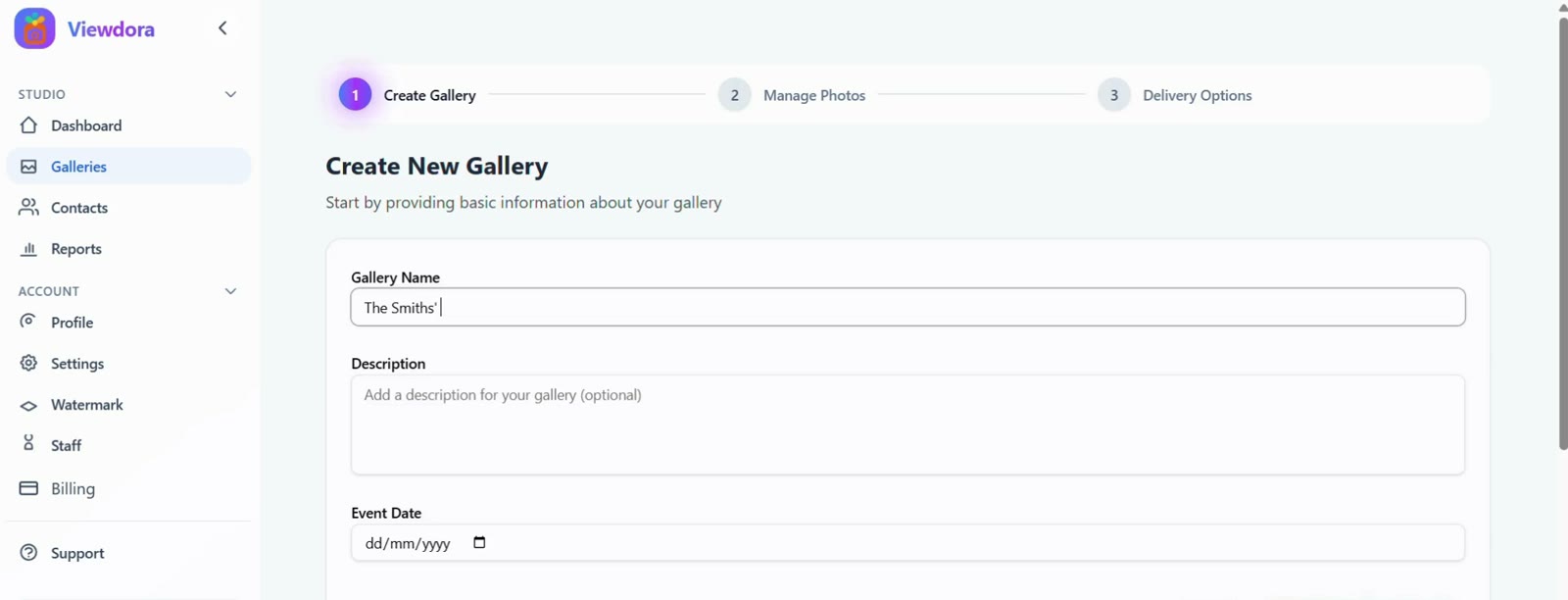
- Create a new gallery or open the gallery you want to share.
- Select Spanish as the gallery language.
- Send the gallery to your client as usual.
The rest of the delivery process remains familiar. Clients can access their gallery with their passwordless magic link, view their photographs, mark favorites, and download the files you approve. You can explore Viewdora’s gallery features to see how language support fits into the wider delivery workflow.
Choose the right language for each client
Language is selected separately for every gallery. You can create one gallery in Spanish and keep another in English without changing a setting across your entire account.
This is particularly useful for photographers serving multilingual families, international clients, or communities where more than one language is used regularly. It gives each client clearer guidance without asking you to create another delivery process or explain every gallery action in a separate email.
Spanish is where we are starting
Galleries can currently be set to English or Spanish. We are also looking at Turkish as the next language to add in the near future.
Language support will continue to develop as we learn what photographers and their clients need. If there is a language that would make Viewdora more useful for your work, we would be glad to hear from you.
Frequently asked questions
Q: Which languages does Viewdora currently support?
A: Viewdora galleries can currently be set to English or Spanish.
Q: Can I choose a different language for each gallery?
A: Yes. Language is selected for each gallery individually, so choosing Spanish for one client does not affect your other galleries.
Q: Does the client need to choose the gallery language?
A: No. You select the language before sharing the gallery, and the client sees the gallery interface in that language.
Q: Can I change the language I use in the Viewdora Studio?
A: Yes. The Viewdora Studio also has its own language setting. Your Studio language and each client gallery’s language can be selected separately.
A clearer gallery for every client
The best gallery language is the one your client can understand without extra instructions. Spanish support gives you another way to make delivery feel thoughtful while keeping the process familiar for both sides.
Start a free 14-day Viewdora trial and create your first client gallery in Spanish. No credit card is required.
Ready to protect your work?
Start your free trialRelated posts
Introducing the Viewdora Referral & Ambassador Program
Refer photographers to Viewdora. Approved Ambassadors earn a 25% commission for up to 12 months, and referred photographers save 20% for 3 months or 10% for a year.
Read more →
Event Photography Packages: What Photographers Should Include
Build event photography packages that clearly explain coverage, deliverables, pricing, image-use terms, and the final gallery experience.
Read more →
Client Gallery for Photographers: A Secure Photo Delivery Checklist
Use this practical checklist to plan controlled photo delivery, from client access and preview protection to approved downloads.
Read more →